By the end of this lesson
You can look at any order and say whether Rizecart counts it as an AI order, and why.
If someone tells you an AI sent you a sale, you should be able to check how they know. That's the whole idea behind Rizecart's attribution rule. We only count an order when we can show you the signal that proves it. The rule is published, it has a version number, and the Sales from AI page names the version behind every number it shows.
What does an AI order look like?
When a shopper clicks a store link inside an AI's answer, the visit can carry two clues. One is a tag on the link, called utm_source, that names where the click came from, like chatgpt.com. The other is the referrer: the site the shopper came from, like perplexity.ai. Your platform can also record the sales channel an order came through. Rizecart reads these from your store's orders: the order's source, its landing link and its referrer.
The AI sites we recognise are chatgpt.com, perplexity.ai, gemini.google.com, claude.ai, grok.com, chat.deepseek.com and meta.ai.
Three levels, never mixed
| Level | When an order gets it | In your totals? |
|---|---|---|
| Confirmed | The link carried utm_source from an AI, the visit came from an AI site, or the order arrived through an AI sales channel your platform records. | Yes |
| Likely | An AI hint but no identifiable click: utm_medium=ai or similar, a campaign name that mentions an AI, or an agentic or AI checkout channel. | No. Shown separately. |
| Not counted | Everything else, including Google AI Overviews and AI Mode, visits with no referrer and no AI tag, and bare words like “google”, “bing”, “meta” or “x”. | No |
| What the order carried | How we count it |
|---|---|
Landing link with utm_source=chatgpt.com | Confirmed · ChatGPT |
Referrer perplexity.ai | Confirmed · Perplexity |
utm_medium=ai, no AI referrer | Likely AI |
Referrer google.com | Not counted |
Check an order yourself
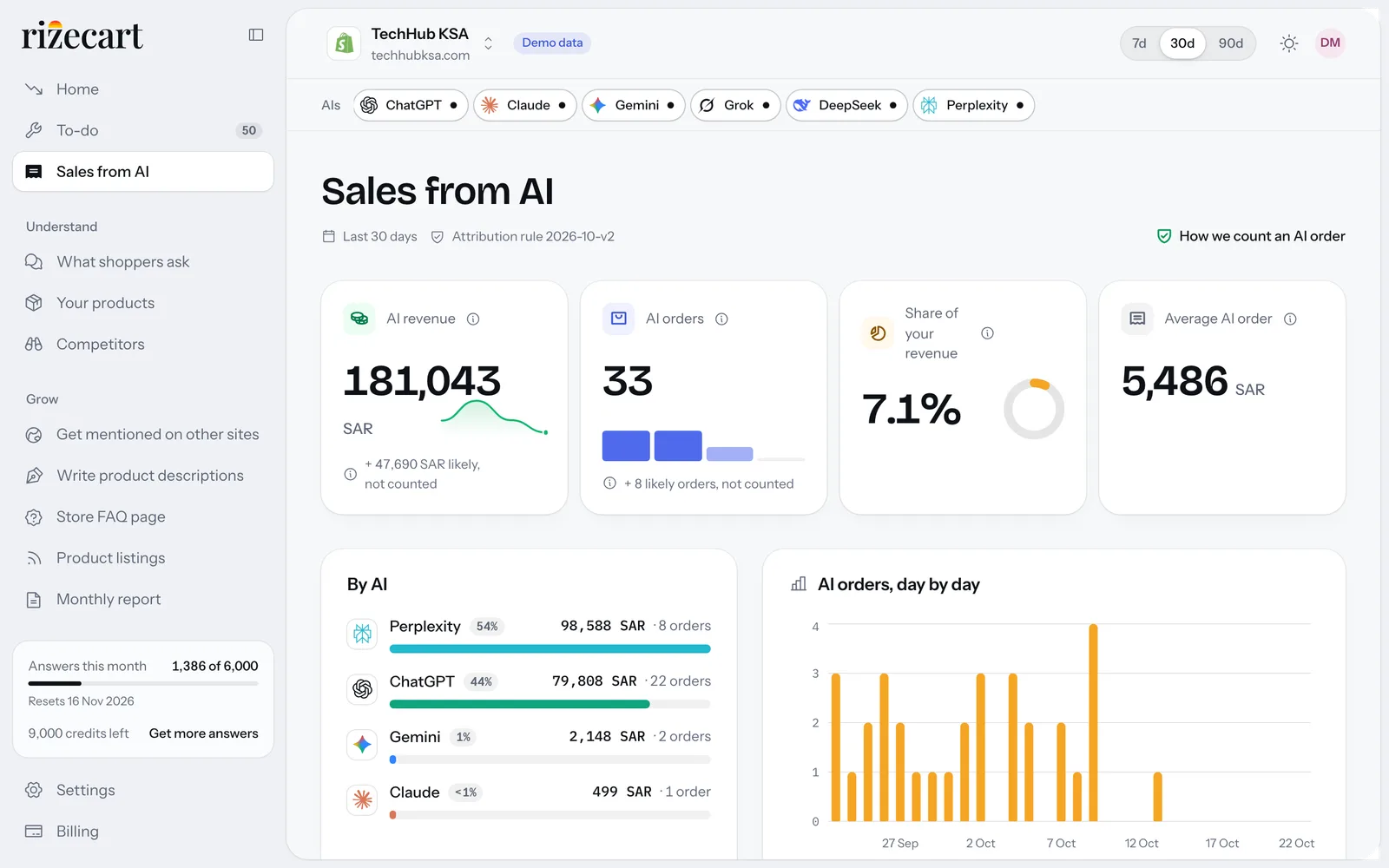
Open Sales from AI
Open Sales from AI in the sidebar and scroll to Orders from AI. Every order we counted is there, with the signal that proved it.
Read Came from
The Came from column names the AI and shows a badge: Confirmed or Likely.
Read the signal
Signal · landing page shows the exact clue, like
utm_source=chatgpt.comorreferrer perplexity.ai, and the page the shopper landed on./ (homepage)means they landed on your homepage.Compare it with the rule
On Sales from AI, How we count an AI order gives the rule in one paragraph and its version. See the public method opens the full attribution rule, and Read it in the other language shows the same rule in Arabic.
Why don't you count everything?
Because we'd rather undercount than claim a sale we can't show you. Google AI Overviews and AI Mode send visits that look exactly like Google search, so they are never counted. Some AI visits also arrive with the referrer stripped. We don't count those either, and we never guess them order by order.
Next: Read Sales from AI week by week. For the wider picture of tracking AI orders across ChatGPT, Perplexity and Gemini, read How to track orders from ChatGPT.
Before you move on
- You can name the three levels: confirmed, likely and not counted.
- You know likely orders are never added to your totals.
- You checked one order's signal on Sales from AI against the public rule.
- You know not to tag your own links with an AI utm_source.