Get started with Rizecart
Connect your store, choose the questions your buyers ask, and read your first report of where an AI sent them to another store.
Beginner6 lessons37 minFree
What you'll learn
- Connect a Shopify, Salla, Zid or WooCommerce store in a few minutes
- Connect a brand's WordPress, Drupal or Webflow site, so approved changes arrive as drafts
- Choose the shopper questions worth tracking
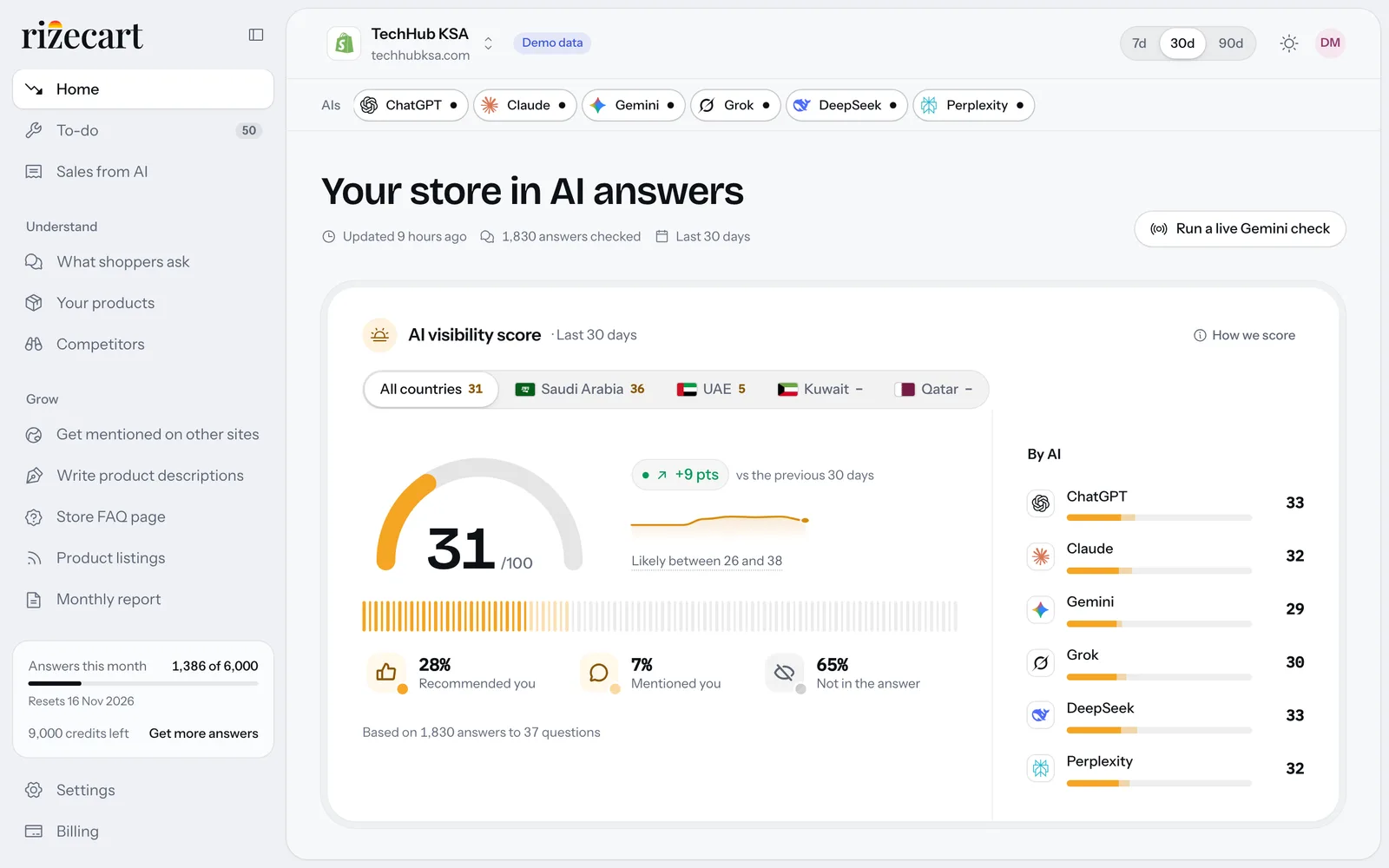
- Read your AI visibility score, by AI and by country
- Read your Home screen and know what to fix first
- Read an AI answer the way the AI wrote it
Lessons
- 01Connect your Shopify, Salla, Zid or WooCommerce storeConnect your store to Rizecart in about five minutes: what we read, what we never change without your approval, and what to do if the connection fails.5 min
- 02Connect your website (WordPress, Drupal, Webflow)On Enterprise: connect WordPress, Drupal or Webflow so the changes you approve arrive as drafts in your own editor, and know who can publish them.6 min
- 03Choose the questions your buyers ask the AIPick and write the shopper questions Rizecart asks the AIs in your plan, with the details that decide which store gets named: city, budget, delivery time.6 min
- 04Read your AI visibility scoreOne number from 0 to 100 for how often ChatGPT, Gemini and other AIs put your store in front of buyers. Learn to read it, by country and by AI.7 min
- 05Read your Home screen and pick your first fixA walk through Rizecart's Home screen: the verdict, the five key numbers, the lost questions and the next best fixes, and how to decide what to fix first.7 min
- 06How to read an AI answer in RizecartWhat every part of Rizecart's AI answer card means: how the answer was obtained, the stores it named, the sources it used and why your store was skipped.6 min
Find out which questions you're losing. Free, in two minutes.
Free check. No card. Nothing to install.