By the end of this lesson
You can state a real delivery time for every city your buyers ask about, in your store and with Rizecart's fix, so an AI can quote it.
A buyer asks ChatGPT: “Best oud under $150 delivered to Doha in 2 days.” Your oud is $120 and you deliver to Doha in 2 days. But if your product page doesn't say so, the AI can't promise it. It names a store that does, and you never hear about the sale.
Why does the AI need a delivery time?
Shoppers put the city and the deadline in the question, and the AI treats them as conditions. It looks for a store that clearly meets both. That takes two facts on your page: you ship to the city, and how many days it takes.
Put them where every AI can read them. Google's merchant listing guidance asks that the shipping details in your structured data (the hidden product data machines read) match the visible page. And the bots behind ChatGPT, Claude and Perplexity don't run JavaScript, so a delivery estimate drawn by a script is invisible to them. A plain sentence in your description is not.
How does Rizecart spot the gap?
Open a lost question from Home. Under Why you weren't named, two reasons are about delivery:
- The page doesn't say you ship where the shopper is: nothing on the product says you ship to the city in the question.
- No delivery time on the product page: you ship there, but nothing says how long it takes. If the buyer set a deadline, Rizecart adds it, for example “the buyer asked for delivery within 2 days”.
To see every product with the gap, open Your products and set the filter to Missing: Delivery time. When a question names no city, Rizecart uses the Main city in Settings.
How do you add delivery times in your store?
Pick your cities
Start with the cities in your lost questions, for example Riyadh, Dubai, Doha and Kuwait City.
Set the time in your shipping settings
In Shopify, Salla, Zid or WooCommerce, give each city or zone a delivery time in days and a price. Platforms split zones differently (city, region or country), so use the most precise level yours allows. Checkout should match what you promise.
Write it on the product page
Add one line per city to the description, in English and Arabic:
Delivery to Dubai: 2–3 business days. Shipping: $8.This is the line every AI can read, and the line Rizecart checks.Use real numbers
Write the range you meet nine times out of ten. “Fast delivery” is not a time. “2–4 business days to Kuwait City” is.
These are the paths Rizecart's How to do it steps show for shipping. Menus change, so if yours look different, search your admin for “shipping”.
| Platform | Where to set it |
|---|---|
| Shopify | Settings → Shipping and delivery → Manage rates |
| Salla | Settings → Shipping options → pick the city → set the price and delivery time |
| Zid | Settings → Shipping options → pick the city → set the price and delivery time |
| WooCommerce | In your store admin, open shipping settings and add that place with its price and delivery time |
How does Rizecart's fix work?
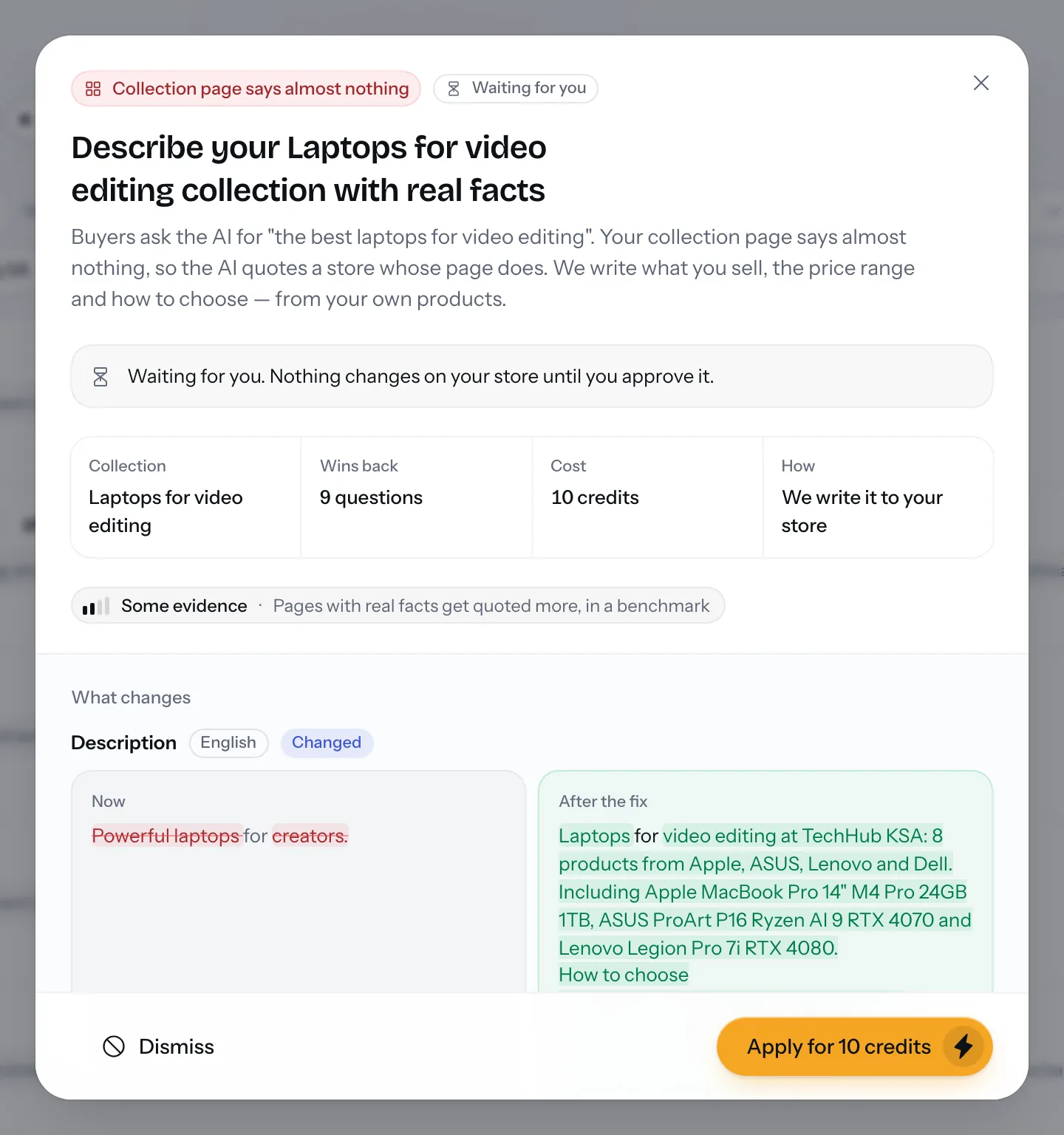
Open the fix
On the lost question, or in To-do, find a fix such as Tell the AI you deliver to Dubai in 2–3 days and click Fix it. This fix is free.
Check what changes
Under What changes, compare Now with After the fix: your shipping data (Shipping (feed and page)) and the delivery line added to your English and Arabic descriptions.
Make sure the days are yours
If Rizecart couldn't find your real time, the fix says it used a typical window. Only apply days you really meet. If they're wrong, choose Dismiss, then add your real delivery time in your store's shipping settings and on the product page, as in the steps above.
Apply
Click Apply fix. Rizecart writes it to your store and asks the same question again about 3 days later, once the AIs have re-read your page.
What does a good delivery line look like?
| Where | Before | After |
|---|---|---|
| English description | Fast shipping across the Gulf! | Delivery to Dubai: 2–3 business days. Shipping: $8. |
| Arabic description | The same vague line, in Arabic | The same city, days and fee, in Arabic |
| What the AI can tell a buyer in Dubai | Nothing | “Arrives in Dubai in 2–3 business days, with $8 shipping.” |
What's next?
A delivery time only helps if the AI can also read your price and stock. That's the next lesson: Make your prices and stock readable by AI. To see how one missing fact sends buyers to another store, read Why ChatGPT recommends your competitor. Not connected yet? The free store check shows whether your delivery facts are readable today.
Before you move on
- Your main cities each have a delivery time and a price in your shipping settings
- Every product page states the delivery time per city, in English and Arabic
- No delivery time depends on a script or on checkout to appear
- Every “No delivery time on the product page” fix in Fixes is applied or done by hand